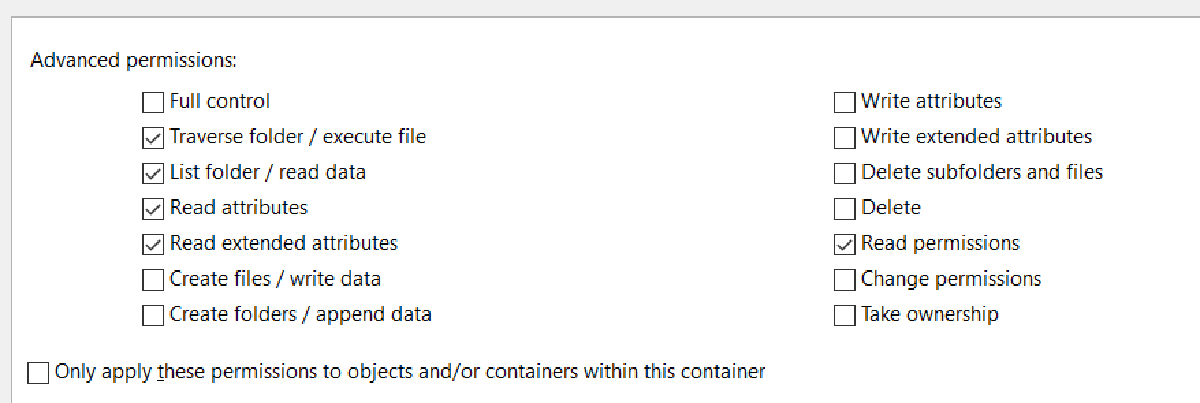

I’ve been asked why the Advanced Permissions dialogue on NTFS folders lists “Traverse folder / execute file” as one single permission.
On the surface it seems counterintuitive that you’d allow a user to navigate through a folder, or execute its contents.
There’s no official Microsoft documentation on the design decisions, however, from a filesystem perspective, entering a folder is the same as executing or running it. The same is true of 3 classic Unix filesystem flags and permissions, where the “X” flag allows both directory traversal and file execution, while “R” allows reading and “W” allows writing.