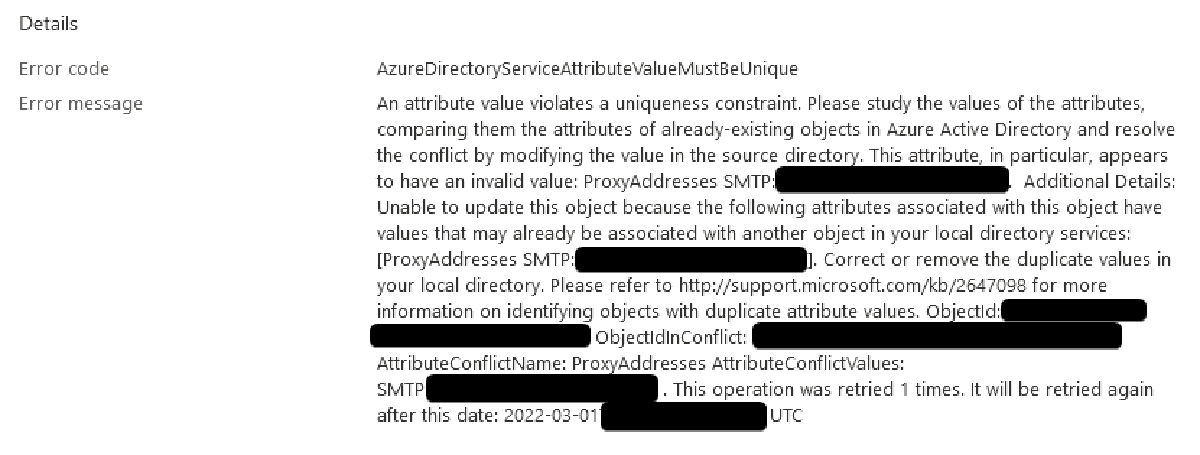

The Problem#
You’ve set up Azure AD Connect or Azure AD Connect Cloud Sync, but some users haven’t sync’d correctly. Trying to force a new sync / Soft Link based on SMTP or UPN matching doesn’t work. These sync’d users may have created new Azure AD accounts, or may have failed to create an Azure AD account altogether. Your internal users UPN matches a domain configured in Azure AD.
The Cause#
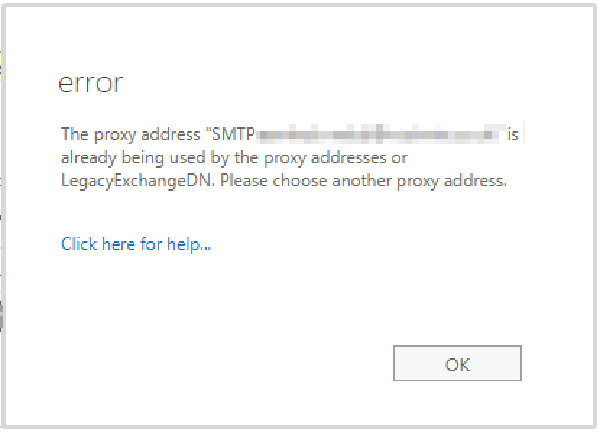
The initial soft link matches on UPN or SMTP, but may fail if there are conflicting ProxyAddresses.
The Fix#
Linking On Premises accounts and Azure AD accounts involves matching the GUID of the On-Premises account with the ImmutableID property of the Azure AD account. This property can be written to using the Azure PowerShell module.
We need to manually apply the ImmutableID property to the Azure AD account.
Open an elevated PowerShell prompt on a system that is able to access Active Directory and the internet
In Preparation#
Install required modules
1
2
Install-Module -Name AZ Add-WindowsCapability –online –Name Rsat.ActiveDirectory.DS-LDS.Tools~~~~0.0.1.0Connect to Azure online
1Connect-MsolService
Resolution steps#
Get the GUID of your on-premises user:
$guid = (Get-ADUser -Identity "James.Bond").ObjectGUIDConvert the GUID to the ImmutableID used to hardlink in Azure AD
$immutableid=[System.Convert]::ToBase64String($guid.tobytearray())Check if a user in Azure AD is using this ImmutableID already
Get-MsolUser | Where-Object {$_.immutableid -eq $immutableid}Either:
⚠️DANGER⚠️: If the Azure AD user using the ImmutableID isn’t an account in use, and you have no need for it, delete it completely.
Get-MsolUser | Where-Object {$_.immutableid -eq $immutableid} | Remove-MsolUser
Get-MsolUser | Where-Object {$_.immutableid -eq $immutableid} | Remove-MsolUser -RemoveFromRecycleBin
If the Azure AD user using the Immutable ID is an account that you use, and you don’t want to delete it, set its ImmutableID to Null
Get-MsolUser | Where-Object {$_.immutableid -eq $immutableid} | Set-MsolUser -ImmutableId $null
Find the UPN of the Azure AD user you want to Hard Link
Set the ImmutablieID on the correct AD user
Set-MsolUser -UserPrincipalName James.Bond@CorrectCloudUpnDomain.com -ImmutableId $immutableid