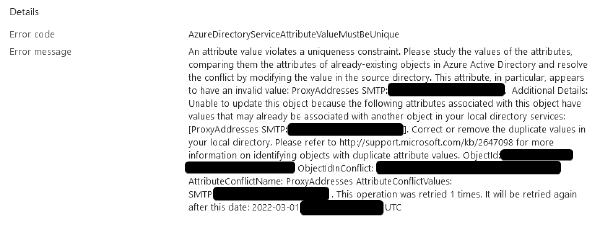

The proxy address is already being used by the proxy addresses of another mailbox
Why can’t I create a mailbox at account@domain2.com if one already exists at account@domain1.com
The Problem#
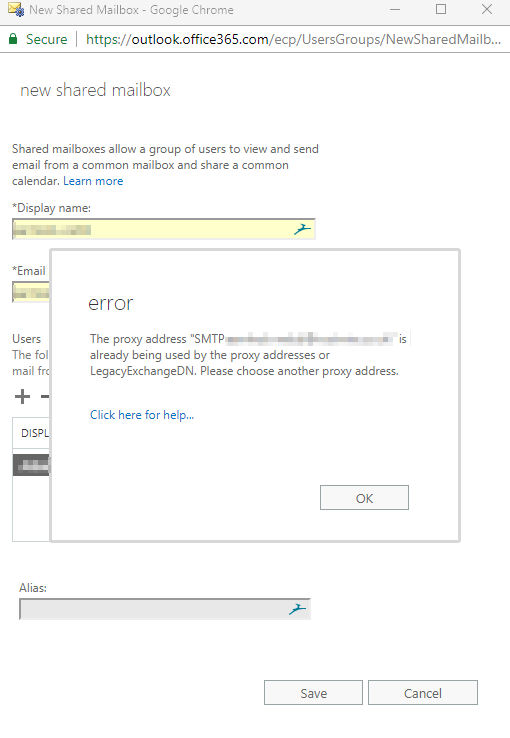
So, you have two (or more) domains associated with your Office 365 Exchange account. When you try to create a shared mailbox on one domain, you encounter an error stating the proxy address is already being used.
For example#
- You have two domains, lets call them
domain1.comanddomain2.com - You’re trying to create a shared mailbox on
domain2.comand you’re hitting an error.
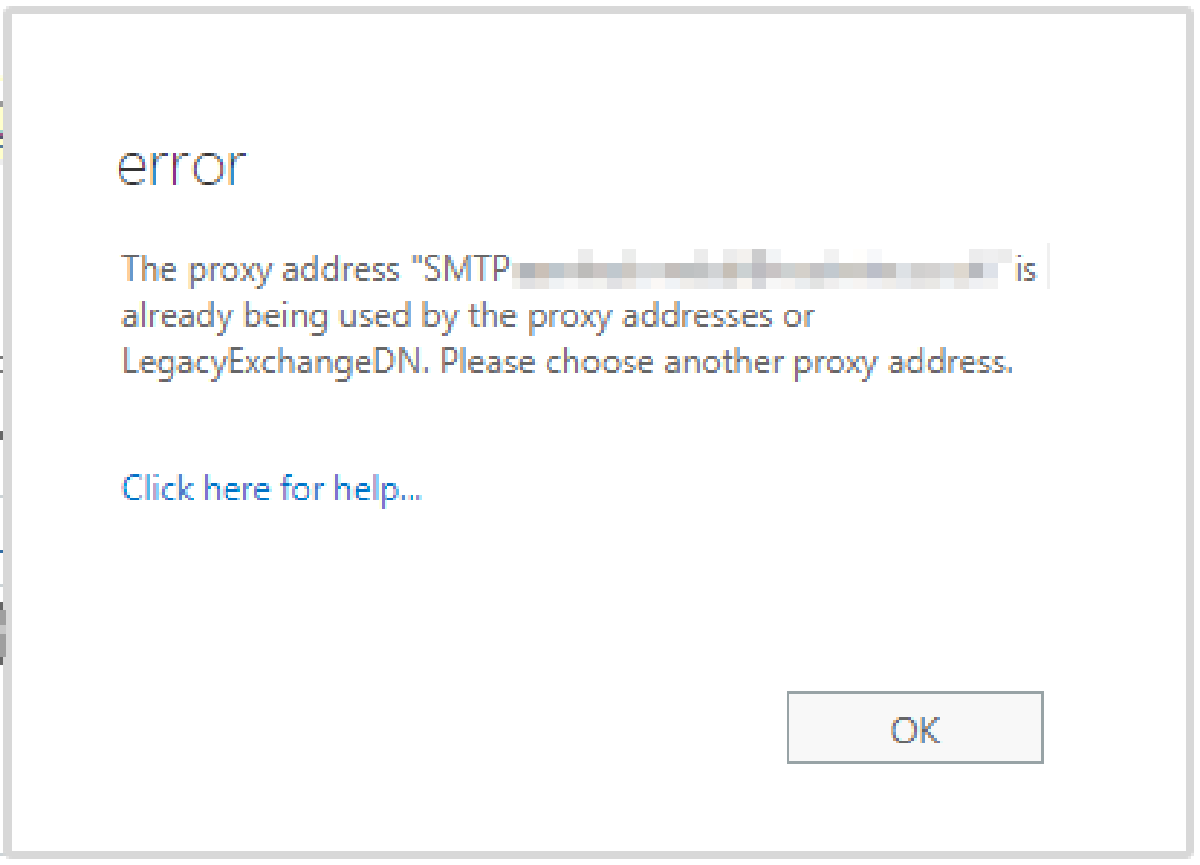
The message reads:
The proxy address “SMTP:name@domain.com” is already being used by the proxy addresses or LegacyExchangeDN. Please choose another proxy address."
The Cause#
This issue occurs because the Shared Mailbox we’re trying to create is automatically assigned a UserPrincipalName on the default domain for the organisation, no matter which domain we try to create it on.
For example.
- You have a user, shared or resource mailbox already in existence on domain1.com with an alias of finance@domain1.com
- When you try to create the finance@domain2.com mailbox, Office365 tries to assign the UserPrincipalName as finance@domain1.com, this is already in use so O365 throws the error that we’re seeing.
The Fix#
Connect to Office365 / Exchange as an admin via PowerShell
$UserCredential = Get-Credential
$Session = New-PSSession -ConfigurationName Microsoft.Exchange -ConnectionUri https://outlook.office365.com/powershell-liveid/ -Credential $UserCredential -Authentication Basic -AllowRedirection
Import-PSSession $Session -DisableNameChecking
Remove the alias from the existing mailbox (don’t worry, we’ll add it back shortly!)
NOTE: If the conflicting alias is the default SMTP for the mailbox, you’ll need to create a new temporary default SMTP alias before removing the conflicting one
Set-Mailbox account@domain1.com -EmailAddresses @{remove="finance@domain1.com"}Create the shared mailbox you want to create on domain2.com
New-Mailbox -Name finance@domain2.com -SharedThe value for “MicrosoftOnlineServicesID” is the value of the Mailbox Property “WindowsLiveID” and this defaults to your default domain, as explained in The Cause – https://msdn.microsoft.com/en-us/library/ee423637(v=exchsrvcs.149).aspx
We want to change this to our secondary domain to enable us to delete the default primary domain smtp alias.Ignore the warning that appears after you run the command.
Set-Mailbox finance@domain2.com -MicrosoftOnlineServicesID finance@domain2.com
WARNING: UserPrincipalName "finance@domain1.com" should be same as WindowsLiveID "finance@domain2.com", UserPrincipalName should remain as"finance@domain2.com".
Remove the default smtp address from our new mailbox
Set-Mailbox finance@domain2.com -EmailAddresses @{remove="finance@domain1.com"}Confirm that the removal was successful
Get-Recipient finance@domain2.com | select name, emailaddresses


Name                EmailAddresses
----                --------------
finance@domain1.com {SMTP:finance@domain1.com}
Add the domain1.com alias back to the email address.
Set-Mailbox account@domain1.com -EmailAddresses @{add="finance@domain1.com"}